
What it does
Motion, sound, or both
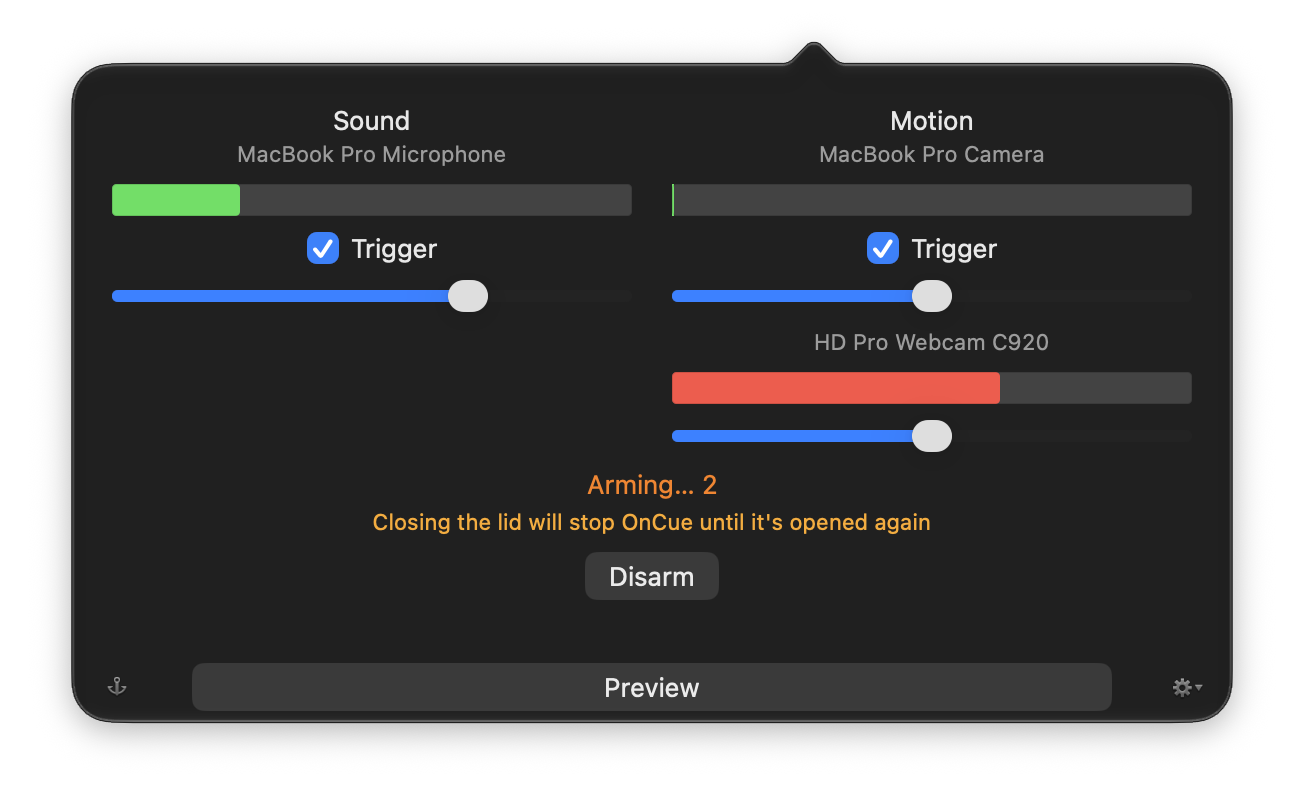
Each trigger has its own meter and its own threshold, and each can be switched off on its own. Watch the meters move, set the sliders where you want them, and arm it.
The seconds before it starts
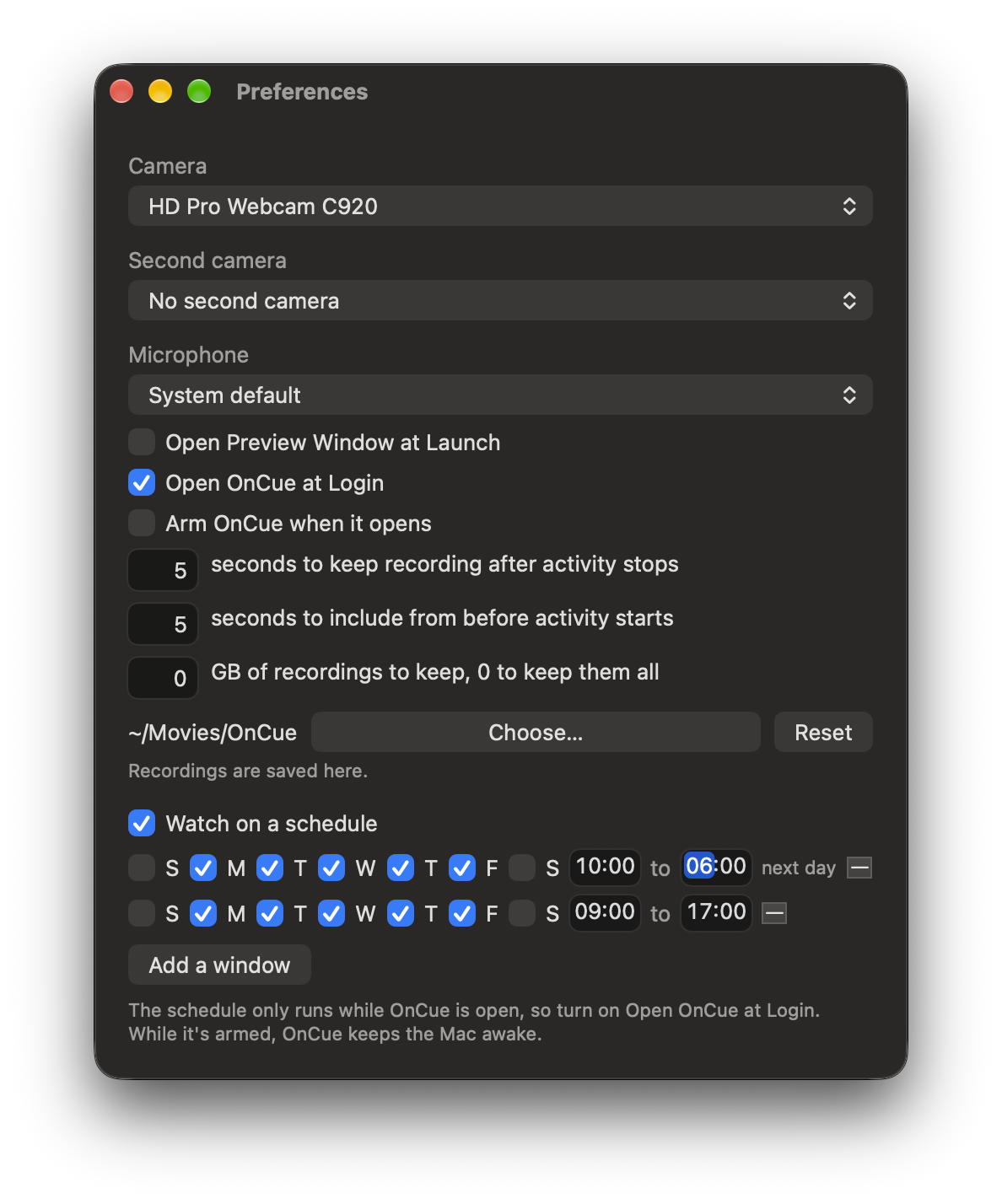
OnCue keeps the last few seconds in memory, so every recording begins before whatever set it off. Five seconds by default, up to thirty.
Two cameras at once
Use your Mac's camera and a USB webcam together, each with its own view and its own sensitivity, recording to its own file.
Recordings you can find
Files go to your Movies folder, or any folder you pick, named for the time they start and the camera and microphone they came from. The menu opens the folder at the newest one.
It stays awake
While it's armed, OnCue keeps your Mac from going to sleep, warns you when closing the lid would stop it, and tells you afterwards if your Mac slept anyway.
Nothing leaves your Mac
No account needed, nothing up in the cloud. In fact there are no network connections at all. Recordings stay in the folder you chose until you move them. Point it at a synced folder and they sync and that's up to you.
Screenshots
Getting it
OnCue is free, and it needs macOS 14 or later. It's signed and notarized by Apple.
Or with Homebrew:
brew install --cask jvalol/tap/oncueNothing leaves your Mac. No internet access. Even OnCue itself can't (and won't) check
for updates on its own. brew upgrade does it instead.
You don't have to take that on faith. Ask macOS what the copy you downloaded from this page is allowed to do:
codesign -d --entitlements - --xml /Applications/OnCue.app | plutil -p -Executable=/Applications/OnCue.app/Contents/MacOS/OnCue
{
"com.apple.security.app-sandbox" => true
"com.apple.security.assets.movies.read-write" => true
"com.apple.security.device.audio-input" => true
"com.apple.security.device.camera" => true
"com.apple.security.files.user-selected.read-write" => true
}The only entitlements are for the camera and the microphone. Also for the folders it writes to, and the sandbox itself. There's no network permission. And never will be, this means even it can't check itself for any updates. Adding one would mean re-signing the app, so it wouldn't be the build I signed any more.
The Mac App Store copy, from 4.8 on, shows two more lines than that. Those are required for delivering via the Mac App Store.